Speak anywhere
Dictate into notes, chat, docs, forms, or code prompts without changing windows.
 ScribeFoundry
Offline-first dictation for desktop.
Press a hotkey, speak naturally, and turn speech into clean text anywhere.
need a crisp project update with blockers and next steps
Project update: blockers are clear, next steps are ready, and the follow-up can go out today.
Project update
Hold the hotkey, speak once, let local cleanup shape the text, then insert it into the active desktop app.
Video not loading? Open the workflow preview.
Dictate into notes, chat, docs, forms, or code prompts without changing windows.
Local dictation runs offline after the selected model is downloaded and cached.
Post-processing can tidy punctuation, formatting, custom terms, and voice commands.
Mode-specific output helps short replies, structured notes, reports, and prompts.
Use OpenAI, Anthropic, or compatible endpoints when you want remote refinement.
Default hotkey: Option+Space on macOS.
A compact capsule shows capture state and waveform feedback.
Local rules and model post-processing prepare readable text.
Text is typed or pasted through the desktop insertion pipeline.
Capture quick thoughts before they disappear.
Turn rough speech into a concise response.
Shape spoken intent into a useful first draft.
Dictate agent requests with cleaner phrasing.
Capture steps, expected behavior, and context.
Draft explanations while staying in flow.
Optionally translate output into supported languages.
Summarize spoken follow-ups after a call.
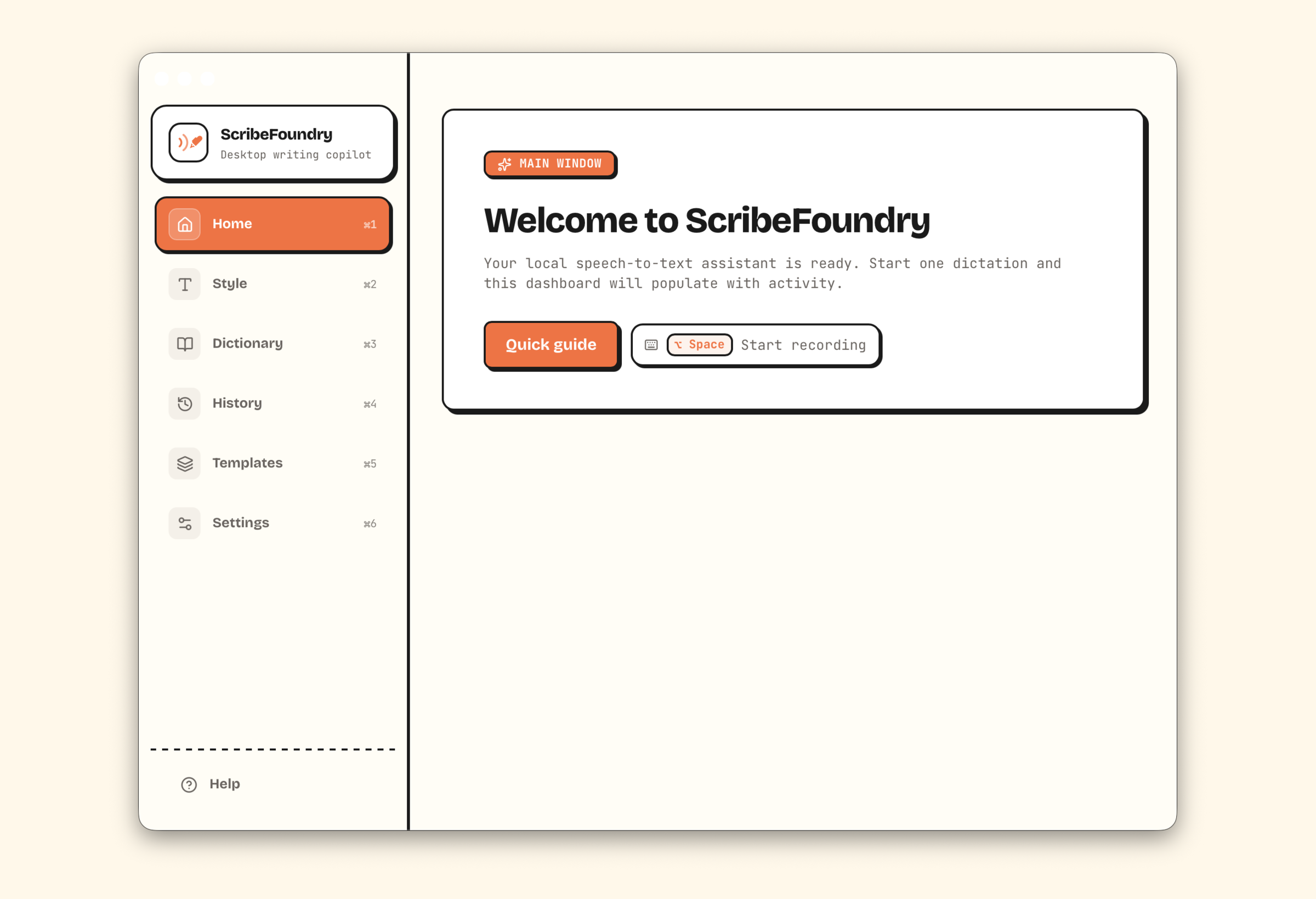
Recent dictation activity, model readiness, and workflow controls.
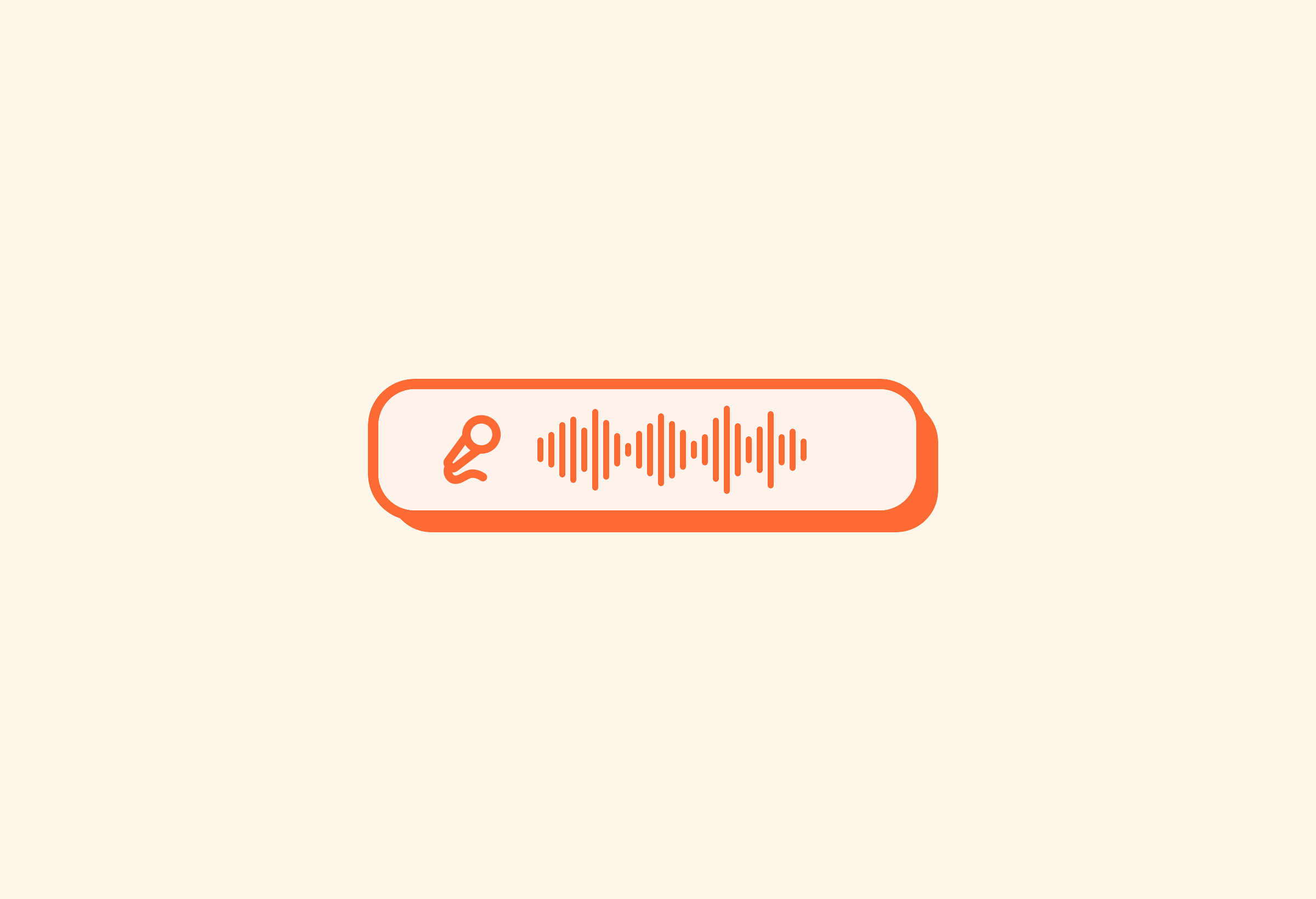
A small desktop overlay for push-to-talk capture.
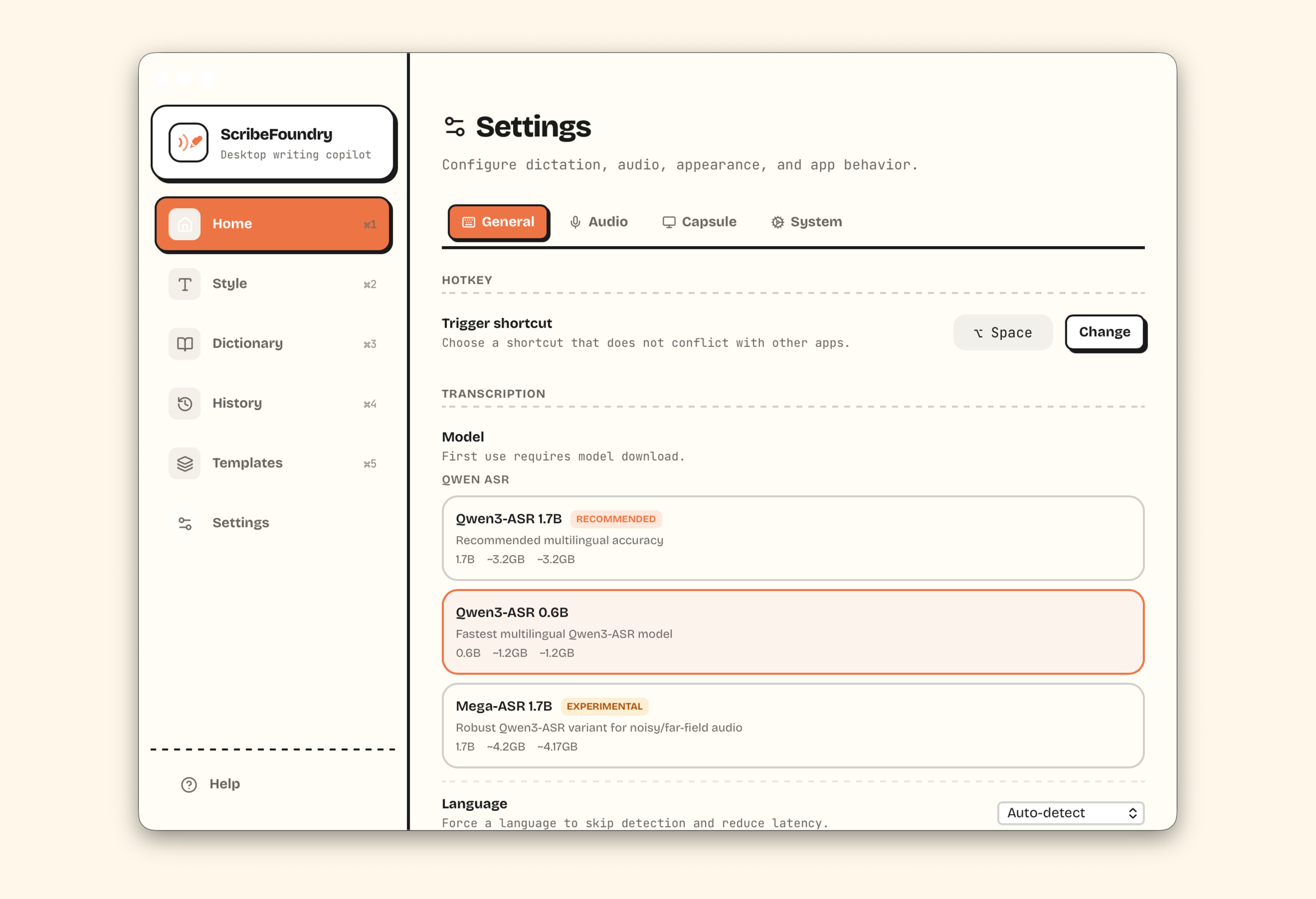
Models, input language, output style, API provider, and system controls.
ScribeFoundry targets macOS 14+. Apple Silicon has the best experience; Intel support is partial.
Yes, for local dictation after the selected local model has been downloaded and cached.
ScribeFoundry stops capture, transcribes locally with the selected model, applies cleanup or translation settings, then inserts the final text at the active cursor.
The app presents simple choices: Fast for smaller downloads and quicker startup, Quality for the default accuracy-focused path, and Robust as an experimental Apple Silicon option for noisy or far-field audio.
Yes. You can keep the dictated language or translate the final inserted text into supported output languages including English, Vietnamese, Spanish, French, German, Japanese, Korean, and Simplified Chinese.
Yes. API post-processing is optional and uses the provider settings you enable.